
Dongguan MLF Tech Co.,Ltd
Set production, development, sales, one-stop service
Sales service phone
+86 0769 87989659


Set production, development, sales, one-stop service
Sales service phone
+86 0769 87989659
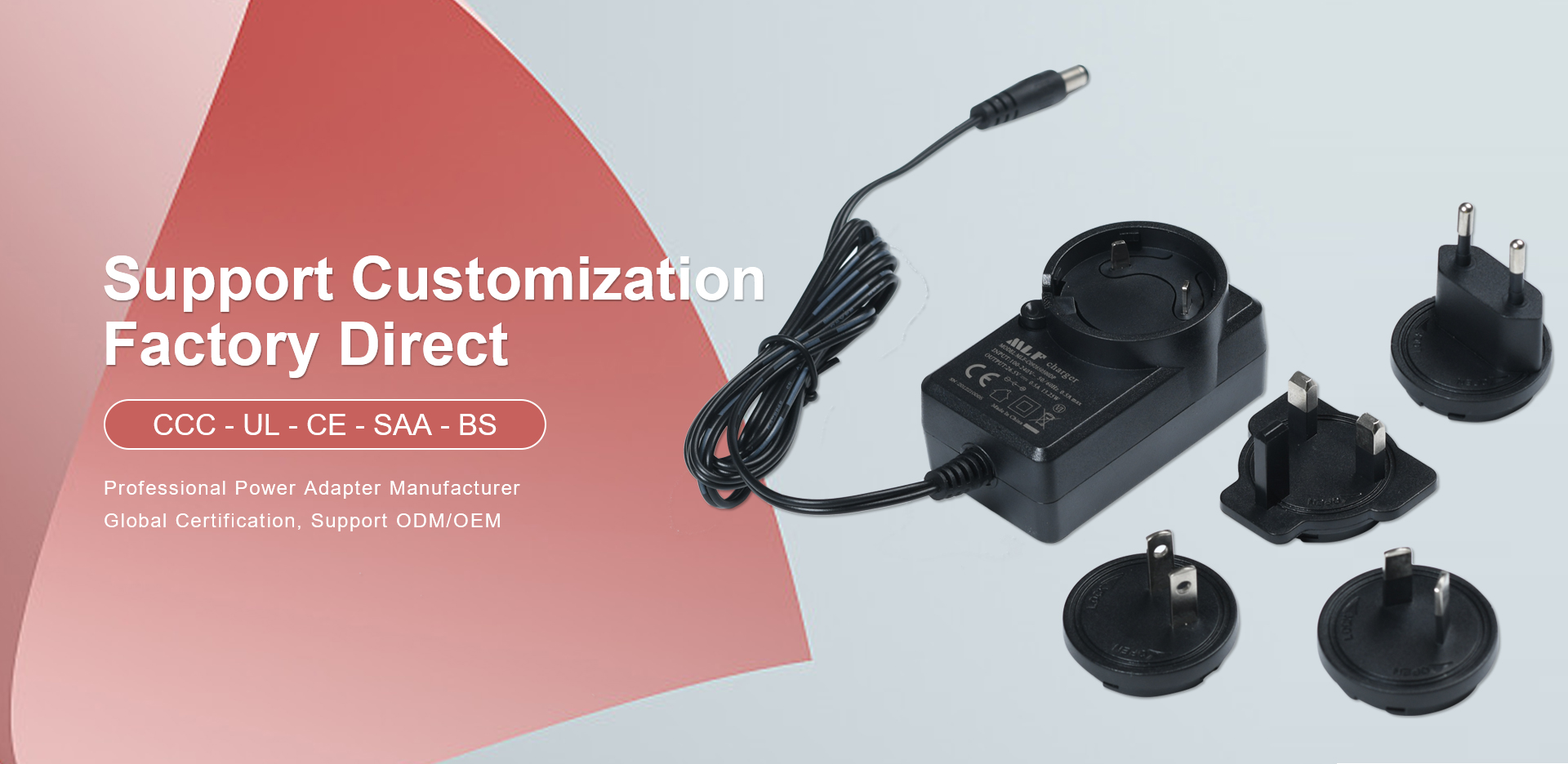
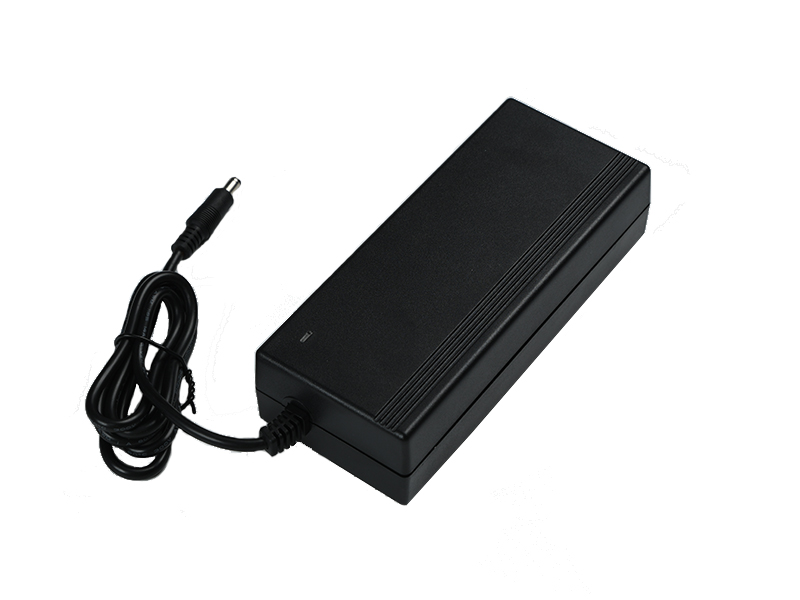
Desktop power adapter is a common power device that is typically used to provide stable direct current (DC) power to electronic devices. These types of adapters are usually designed to be placed independently on a desktop due to their large size, rather than being plugged into a socket. The following are the general steps for using a desktop power adapter:
1. Understand the specifications of the power adapter
Before use, first check the specifications of the power adapter, including input voltage range, output voltage, output current, and other information. These information are usually clearly labeled on the casing of the adapter.
2. Check the power cord and plug
Power cord inspection: Ensure that the power cord is not visibly damaged, such as exposed wires or cracks.
Plug matching: Confirm whether the power cord plug meets the local power socket standards.
3. Connect the power cord
Insert the power cord of the power adapter into the input port of the adapter and plug the other end into a wall socket or power extension cord.
4. Connect the output terminal
Select the correct output plug (if replaceable) according to the requirements of the electronic device being used, and insert the plug into the output port of the adapter.
5. Connect devices
Connect the output end of the adapter to the device that requires power supply through the corresponding connection cable (such as USB cable, circular plug, etc.).
6. Turn on the power
Switch control: If there is a switch on the adapter, it needs to be turned on.
Indicator light confirmation: Observe whether the adapter has an indicator light on, indicating that the power has been turned on normally.
7. Use of equipment
At this point, the electronic device should have received power from the power adapter and can be used normally.
matters needing attention
Voltage matching: Ensure that the output voltage of the adapter matches the voltage required by the device, otherwise it may damage the device.
Current limit: Do not exceed the output current limit of the adapter to prevent equipment damage or fire risk caused by overload.
Proper placement: Ensure that the adapter is placed in a well ventilated area, away from heat sources, and avoid overheating.
Maintenance and upkeep
Cleaning: Regularly clean the surface of the adapter to prevent dust accumulation from affecting heat dissipation.
存放:不用時,斷開所有連接并存放在干燥的地方。
使用技巧
節能模式:部分適配器可能具有節能模式,長時間不用時可以切換到此模式,降低能耗。
備用電源:如果有條件,可以為關鍵設備準備備用電源適配器,以防原適配器故障影響使用。
通過遵循上述步驟,可以有效地使用桌面式電源適配器,為電子設備提供持續穩定的電力供應。
 Mobile Phone:+86 18928215896 TEL:0769 87989645/50
 Address:No. 8, Qingping Road, qinghutou village, Tangxia Town, Dongguan City
 E-mail:market@mlftech.com


